Getting your desk essentials ready…
Explore the light, mount, controls, and desk setup. Select a photo for a closer look.
The everyday desk light
$59 USD
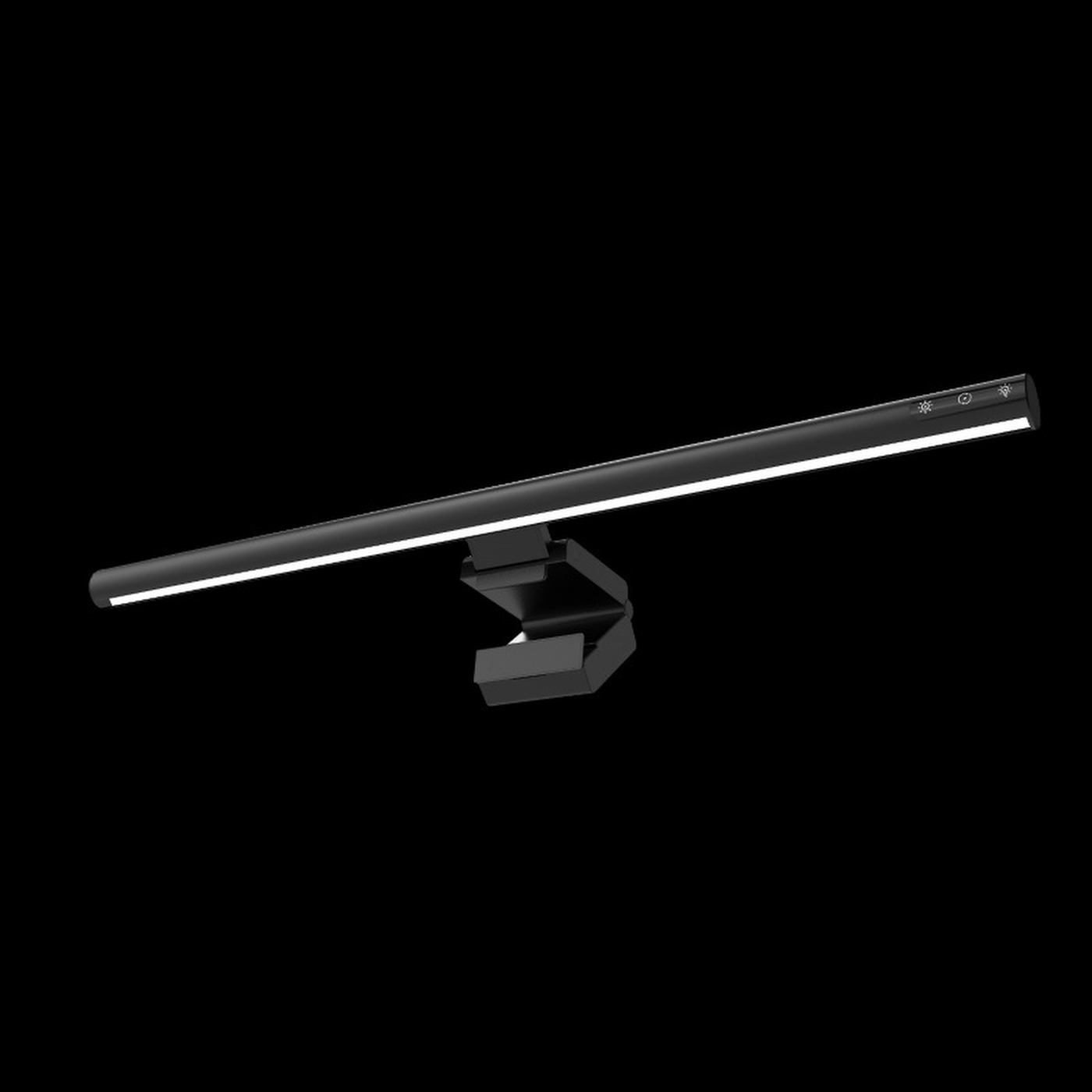
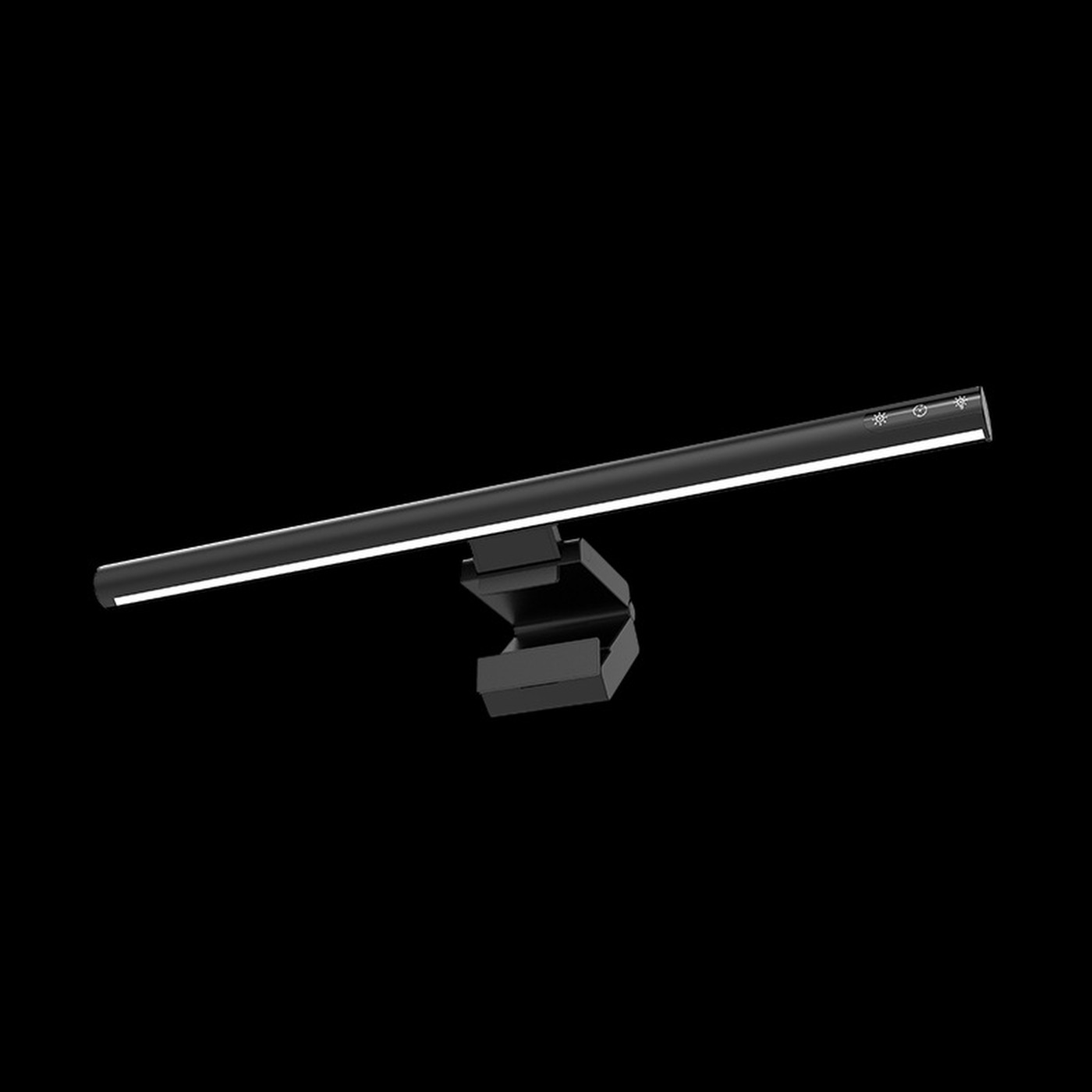
A 42cm aluminum monitor light with USB power and an asymmetric light path designed to put light on your desk while reducing screen glare.
Choose your length
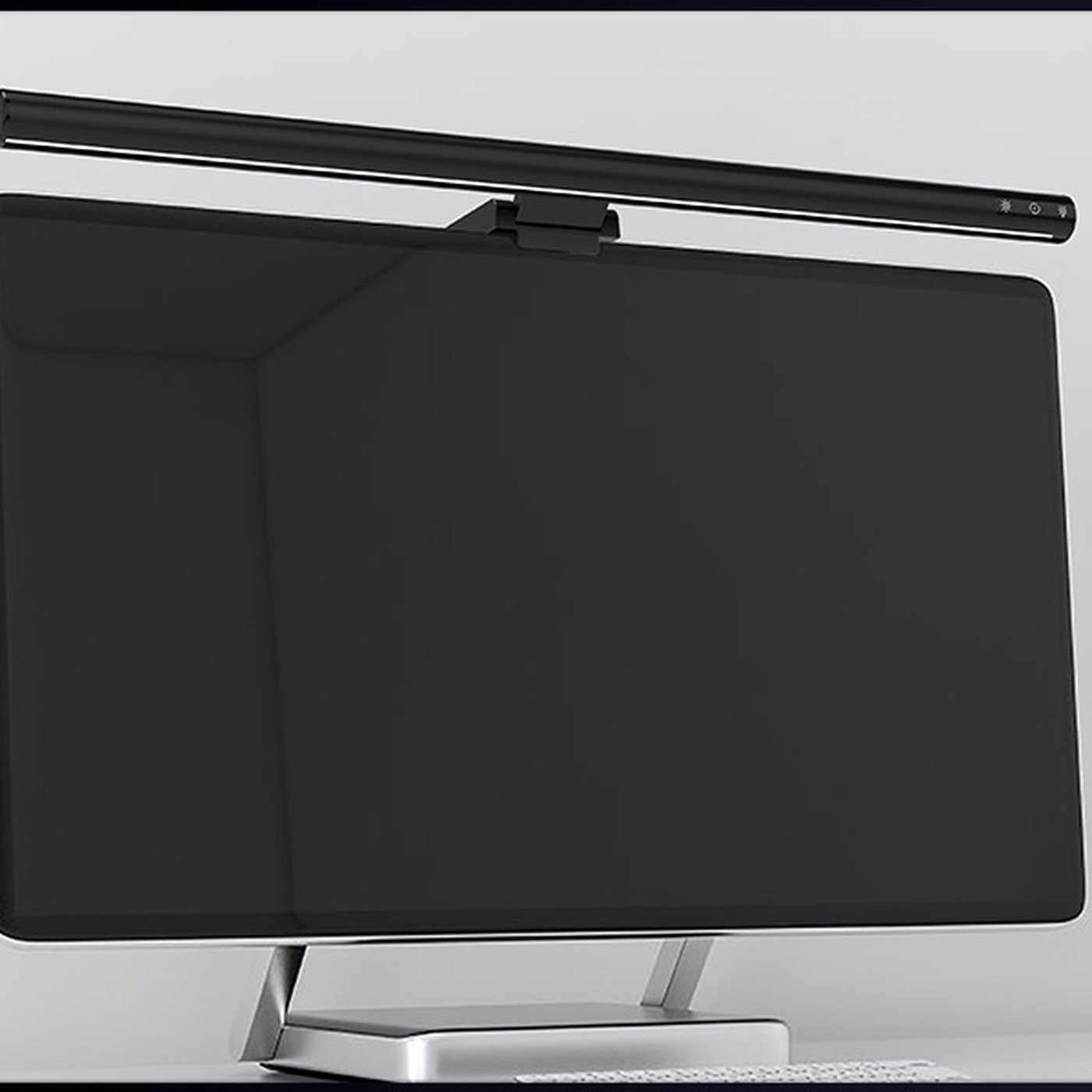
Check your monitor’s width and fitLight for your keyboard, notebook, and everyday work, without a lamp base on the desk. The 42cm aluminum bar sits above a compatible monitor and directs light toward the space in front of you.
Use the touch controls to adjust the light, then check the angle from your usual seat. Reflections depend on your screen finish, placement, and room lighting. Keep some background light in the room for a balanced setup.
Measure your monitor’s usable top edge and leave room for a webcam and the USB connector. Check the display’s thickness, bezel, and rear shape: the mount must sit securely without pressing on the active screen or covering vents. Screen diagonal alone does not establish fit. Compatibility with curved displays and laptop screens is not specified.
One 42cm monitor light. Plan for a compatible USB cable and power source; a cable, wall adapter, and remote are not listed as included. Monitors and other desk accessories in the photos are for styling.
Disconnect USB power before cleaning. Gently wipe the aluminum body and light window with a soft, dry cloth. Keep liquid away from the light and connector; avoid sprays and abrasive cleaners. Support the bar when adjusting it, leave slack in the cable, and never force the mount against your display.
Shipping estimates cover the US, with free shipping at $59+. Below that, accessory-only carts are $4.99; other carts are $7.99. Tax, VAT, and duties are not included in these estimates.
See the shipping policy for delivery availability and the planned 30-day returns policy for unused items. Your statutory consumer rights are unaffected.
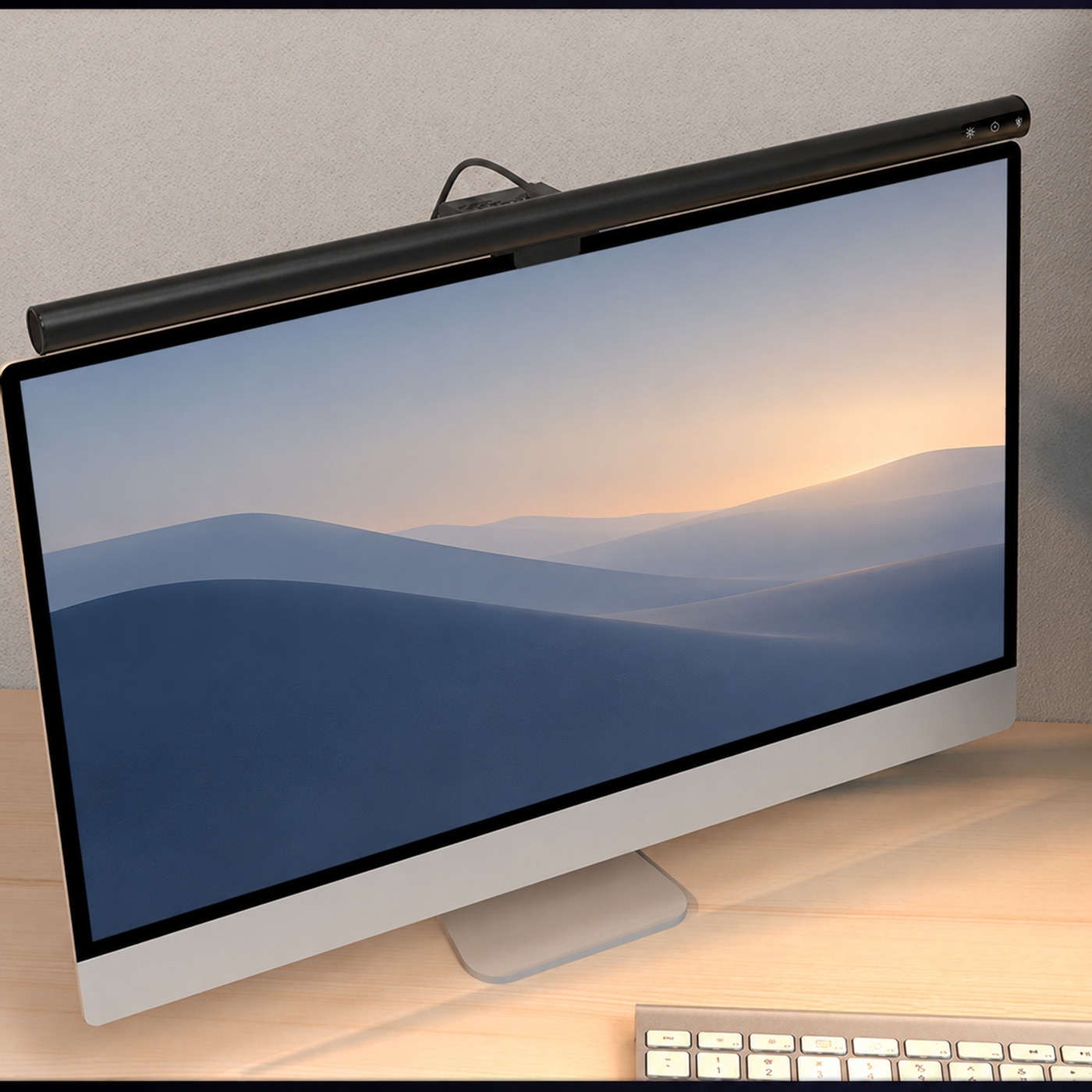
Space for the everyday
Put task lighting above a compatible monitor and keep the surface below available. The asymmetric light path is designed to reduce screen glare; placement and screen finish still matter.
Find a comfortable angleTwo lengths. One design family.
Start with your monitor’s usable top edge and leave room for a webcam. The bar’s length is one part of a good fit.
| At a glance | 42cm | 50cm |
|---|---|---|
| Price | $59 | $64 |
| Body | Aluminum | Aluminum |
| Power | USB · ~5W | USB · ~5W |
| Mount fit | Measure your monitor’s top edge | Measure your monitor’s top edge |
| Clearance | Leave space for a webcam | Leave space for a webcam |
| Explore | View 42cm | View 50cm |
Check bezel depth and rear shape too; screen diagonal alone does not confirm fit. Read the size guide.
Free shipping at $59+
US shipping estimates in USD. Rates & regions
Considered returns
Read the planned 30-day policy and your statutory rights. Returns details
Secure Stripe checkout
Card details stay on Stripe’s hosted checkout.
Simple everyday care
Unplug, then wipe with a soft, dry cloth. Power & care
It directs light toward the desk in front of the monitor, with the aim of reducing light falling on the screen. Position, monitor finish, and room lighting affect reflections; it does not guarantee a glare-free screen.
The 42cm light is $59; the 50cm light is $64. Start with the usable width across the top of your monitor. Choose a length that leaves clearance for your setup. A longer body does not establish higher brightness or a wider measured light footprint.
Fit depends on the bezel, display thickness, and rear shape. Check that the mount can sit securely without touching the active screen or covering vents. A supported thickness range is not specified; screen diagonal alone does not confirm fit.
One light is listed in the box. Plan for a compatible USB cable and power source; a cable, wall adapter, and remote are not listed as included.
Desk setup
Check fit, plan power, and direct the light where you work. Start with these simple setup habits.
Read guide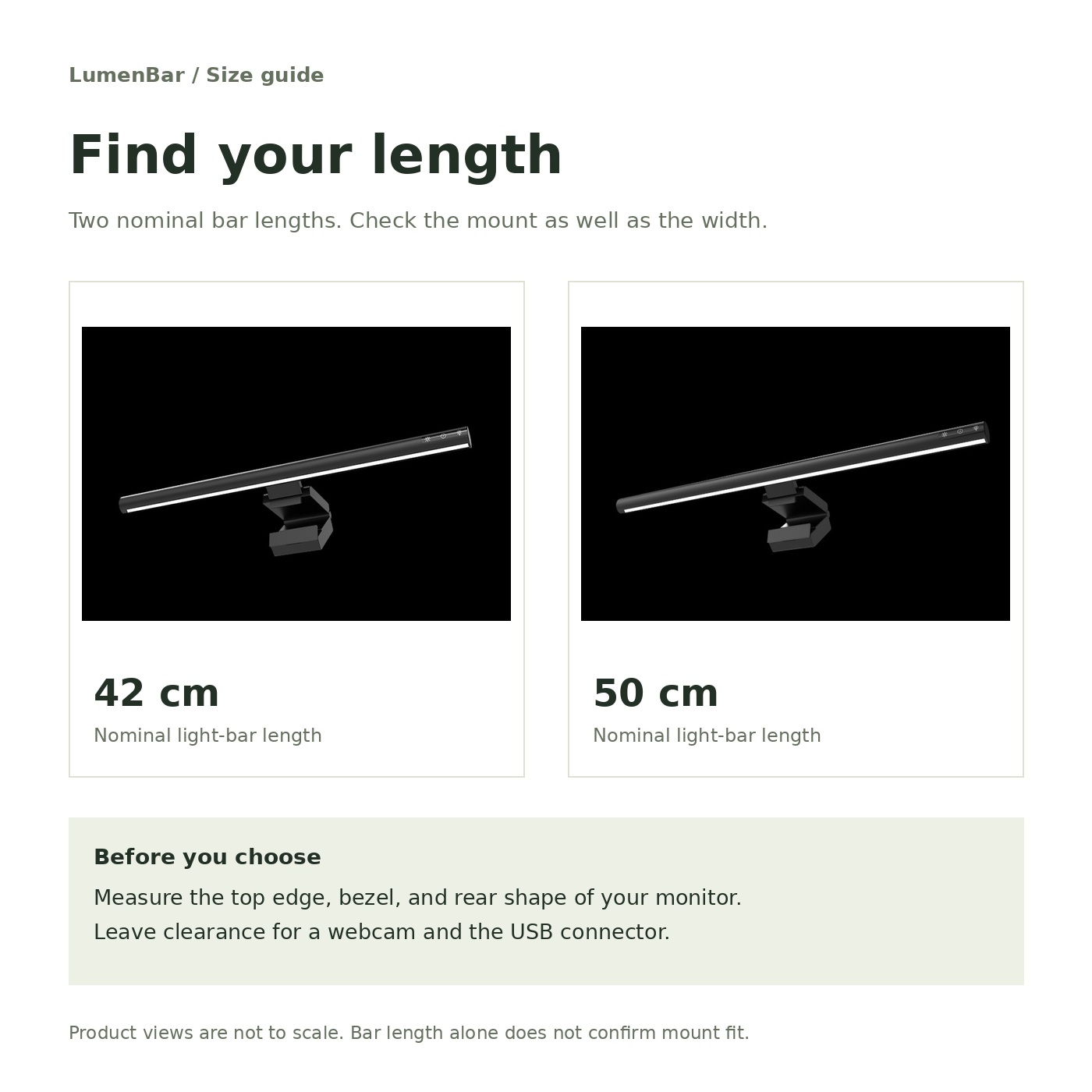
Size & fit
Two lengths, the same design family. Measure your monitor’s top edge and make room for your webcam.
Read guide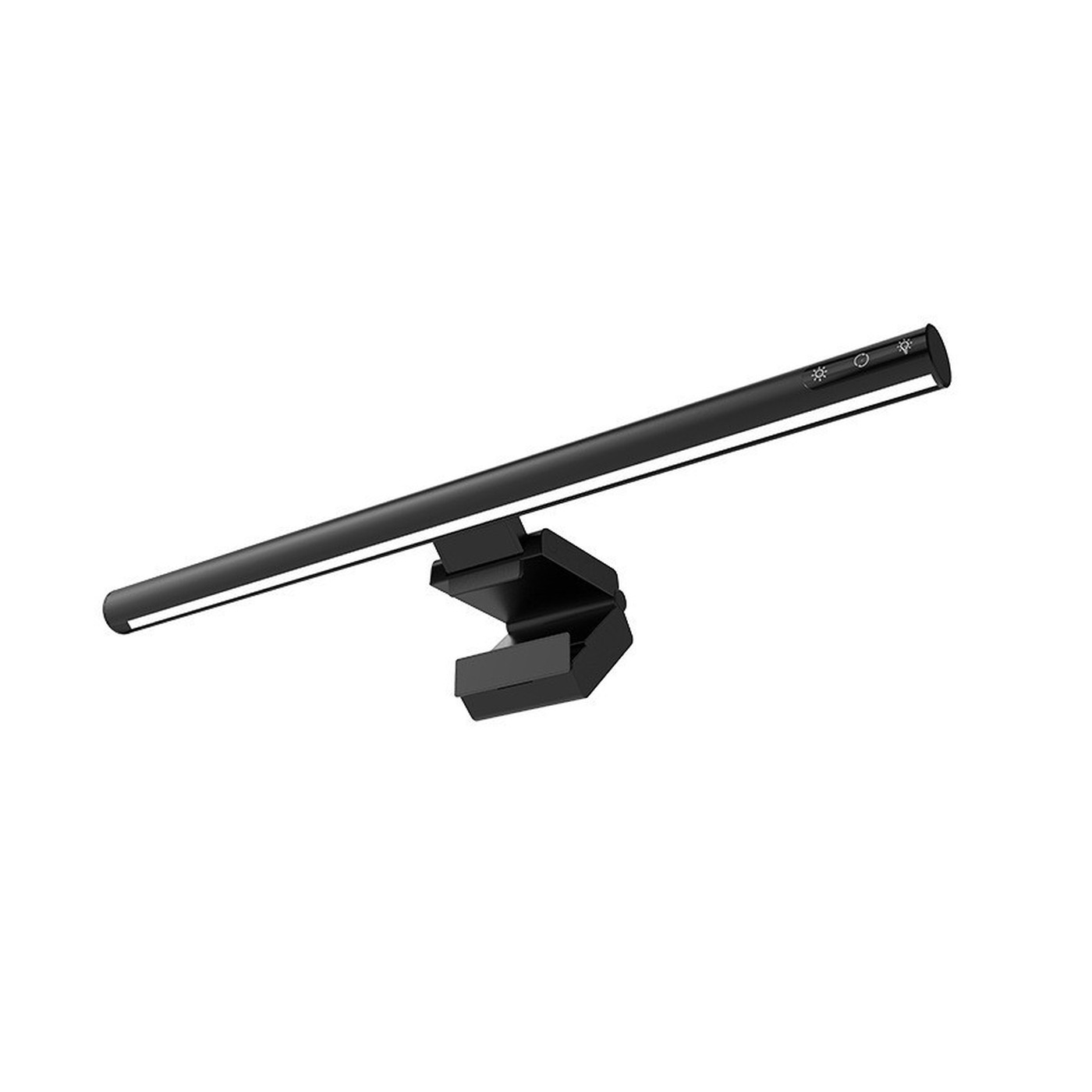
Light & glare
An asymmetric light path is part of the setup. Screen finish, windows, and your sitting position matter too.
Read guide