Light & glare
Put light on the work in front of you
An asymmetric light path is part of the setup. Screen finish, windows, and your sitting position matter too.
What asymmetric lighting means
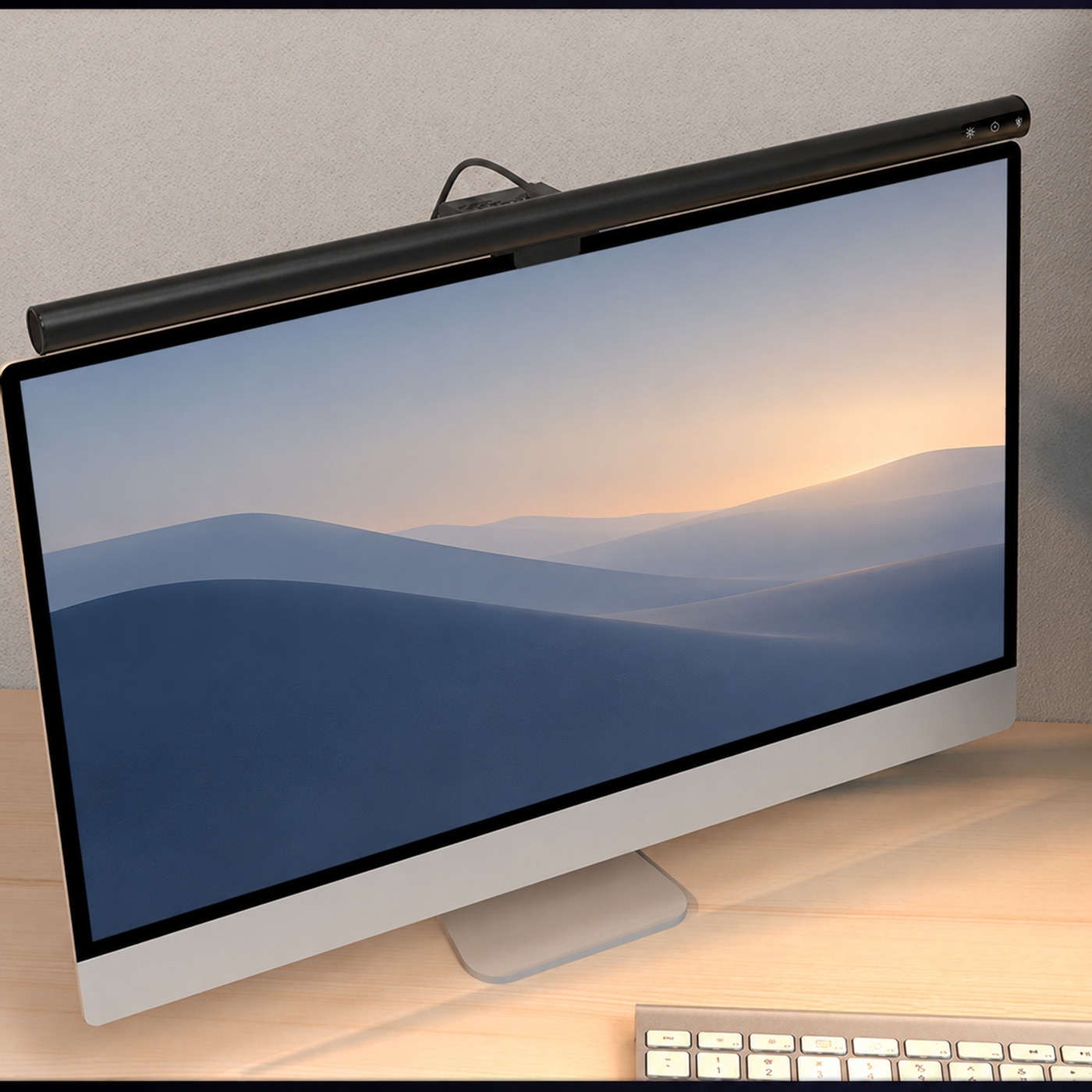
An asymmetric light directs more light toward the working area in front of the monitor, with the aim of keeping it off the screen.
Screen finish and placement still affect reflections. Check the result from your chair instead of assuming the display will be glare-free.
Look for the reflection’s source
Open a darker image on your screen and look for reflected windows, ceiling lights, and lamps. Shade or move the source, or adjust the screen while keeping a comfortable posture.
A bright window behind your chair may need a blind or a different desk position. Adding a desk light will not remove that reflection.
Check reflections from your chair, with your everyday screen content open.
Adjust from your normal seat
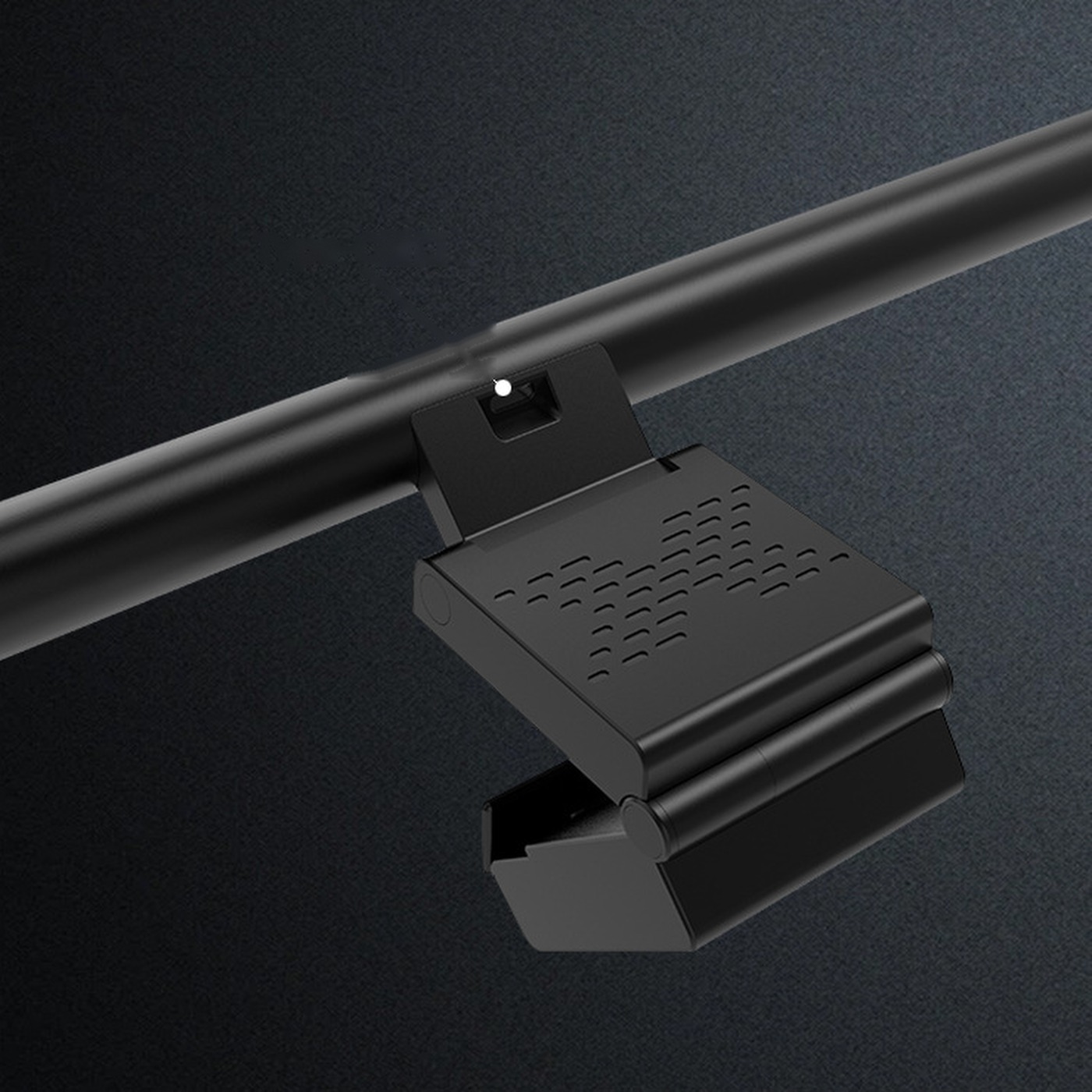
Check that light reaches your keyboard and notes without shining into your eyes. Stay within the mount’s adjustment range and recheck after changing your screen or chair height.
Balance the desk light with the screen and room. More brightness is not always more comfortable.
Keep reading