Getting your desk essentials ready…
Desk guides
A clearer way to set up your light
5 practical guides on monitor-light fit, asymmetric desk lighting, USB power, glare, and everyday comfort.
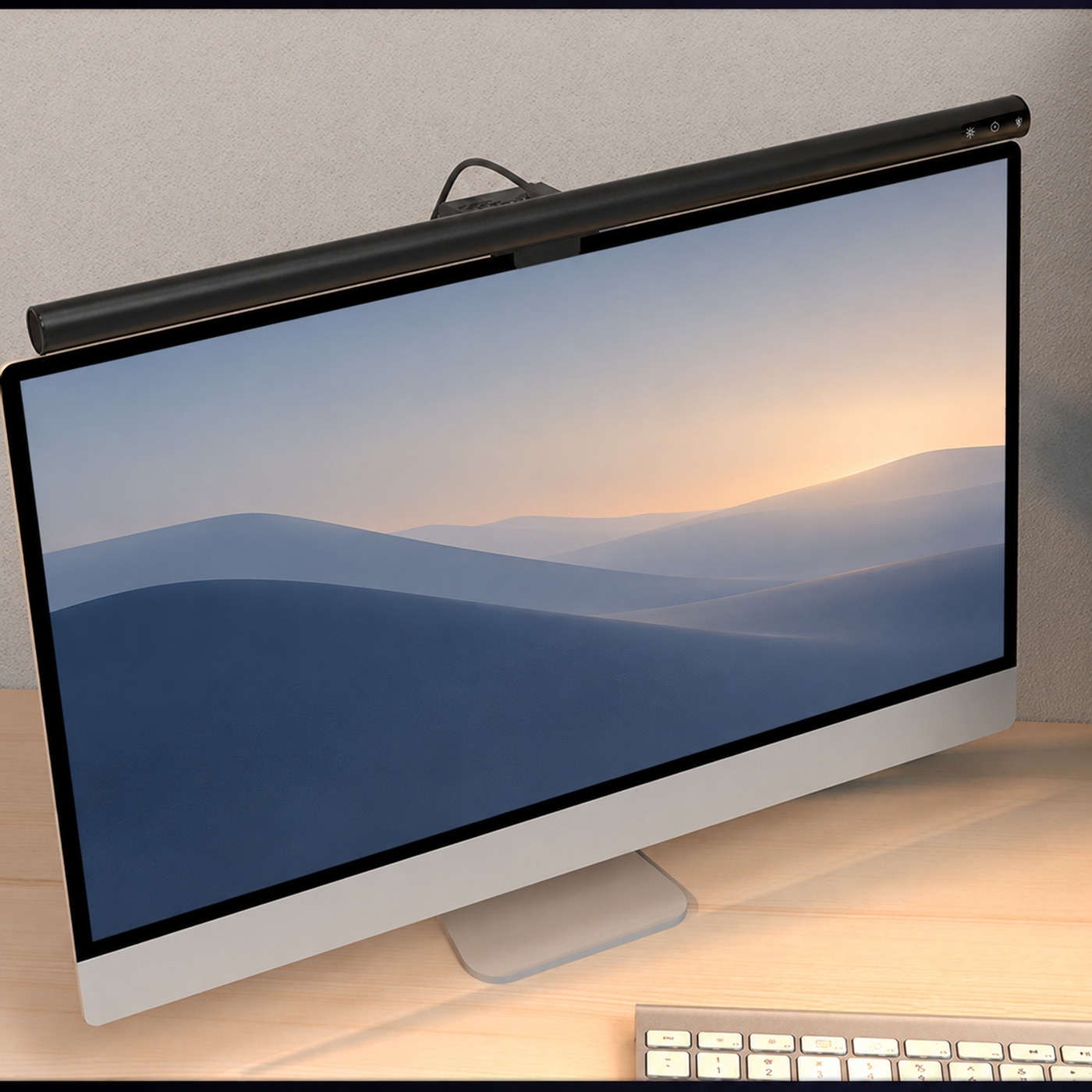
Desk setup
A better place for your desk light
Check fit, plan power, and direct the light where you work. Start with these simple setup habits.
2 min read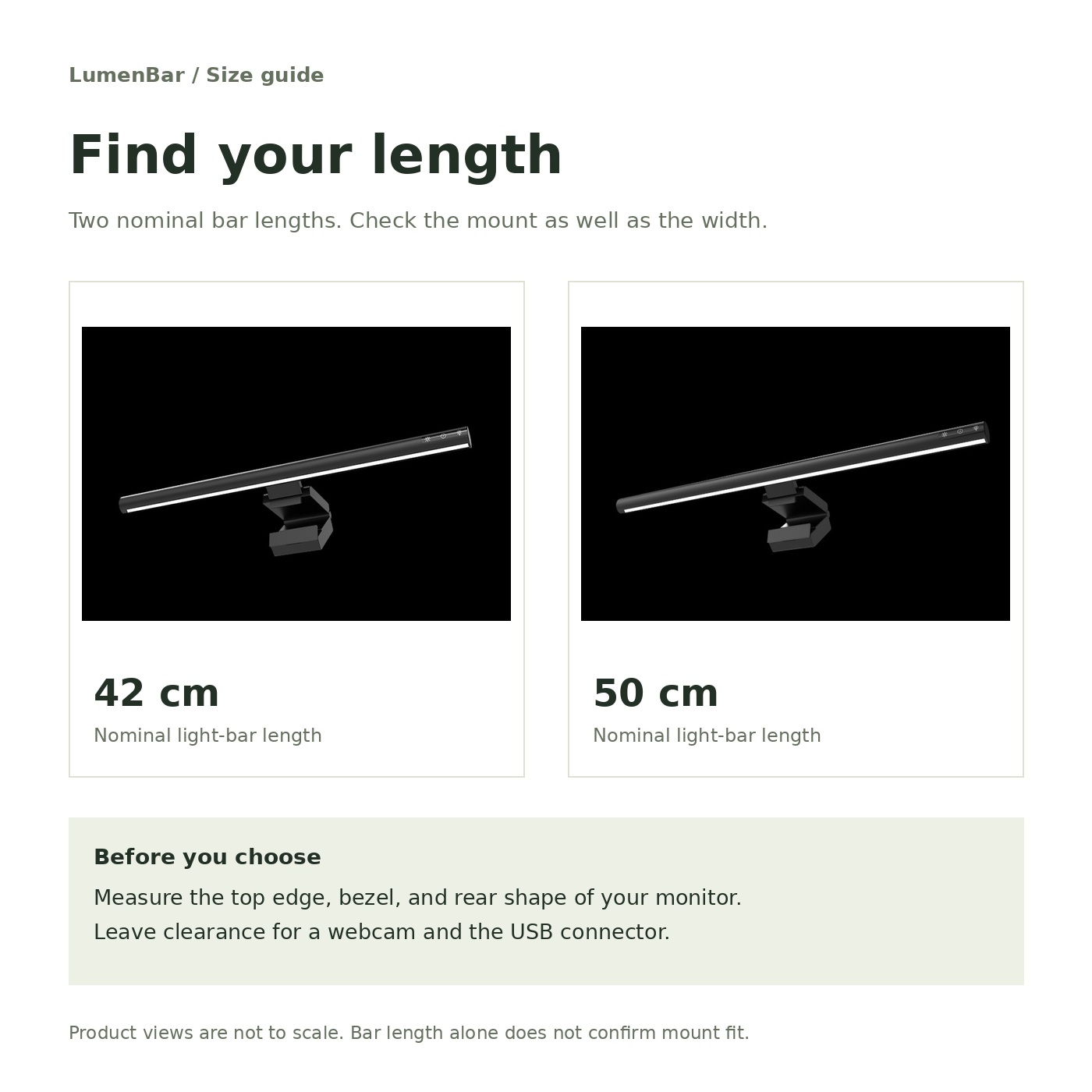
Size & fit
Find the length that fits your desk
Two lengths, the same design family. Measure your monitor’s top edge and make room for your webcam.
2 min read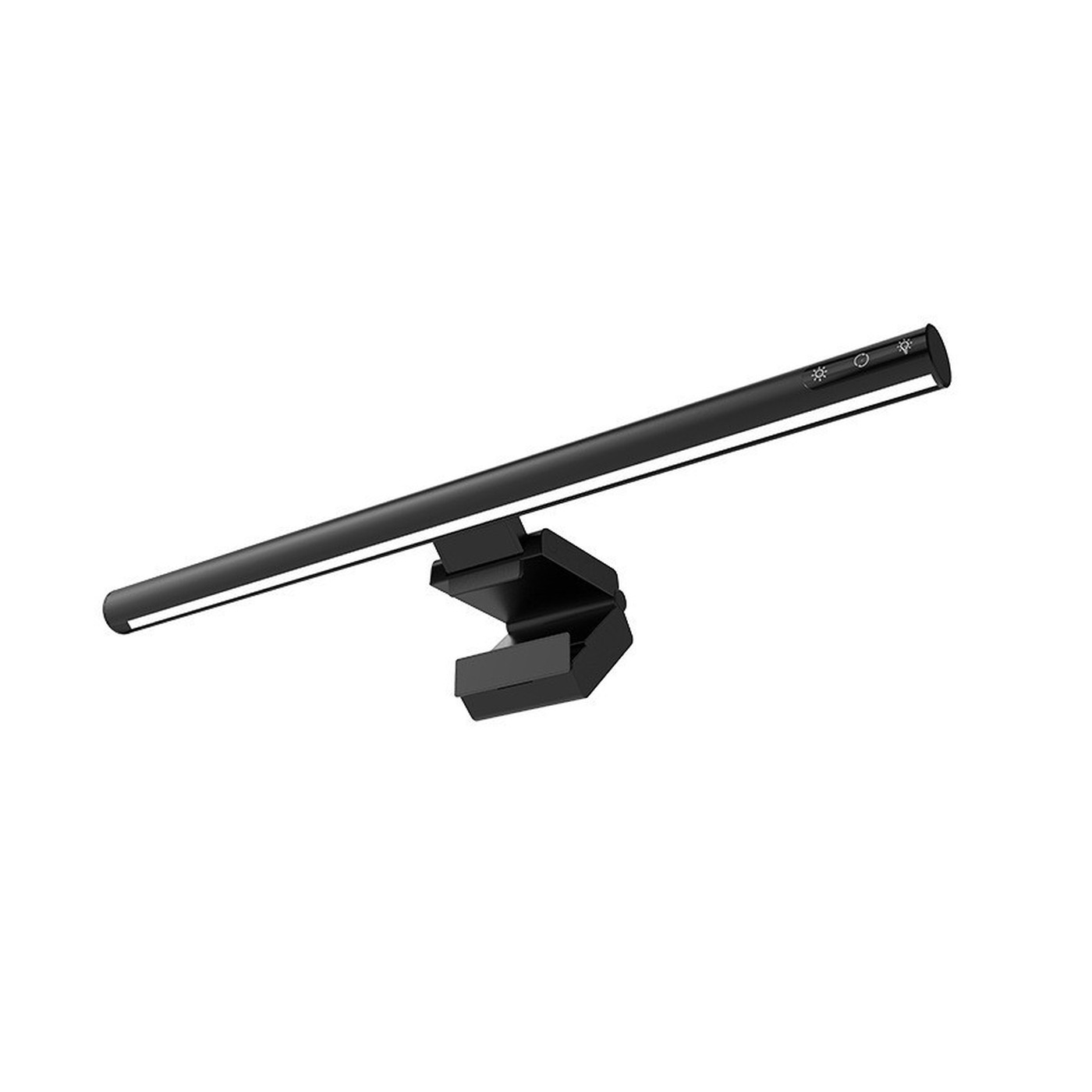
Light & glare
Put light on the work in front of you
An asymmetric light path is part of the setup. Screen finish, windows, and your sitting position matter too.
2 min read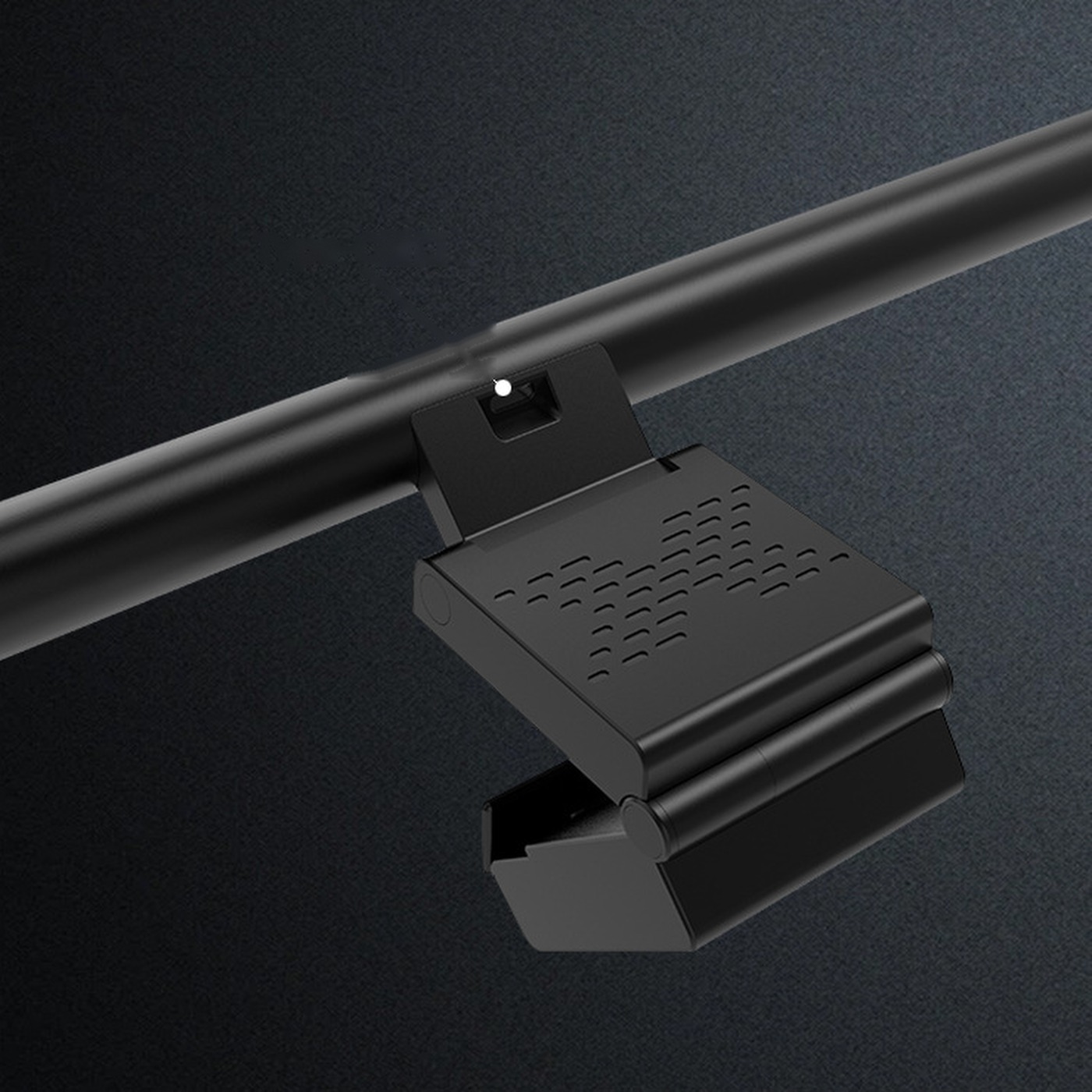
USB power
A simple power plan for your desk
A USB connector alone does not confirm compatibility. Check the light’s label, power source, and cable.
2 min readLight & glare
Build a comfortable lighting routine
Balance your room, screen, and task light as daylight changes. Small adjustments can make the desk feel more comfortable.
2 min readRelated FAQ topics: Monitor light basics · Size and monitor fit · USB power and care · Ordering and shipping