Size & fit
Find the length that fits your desk
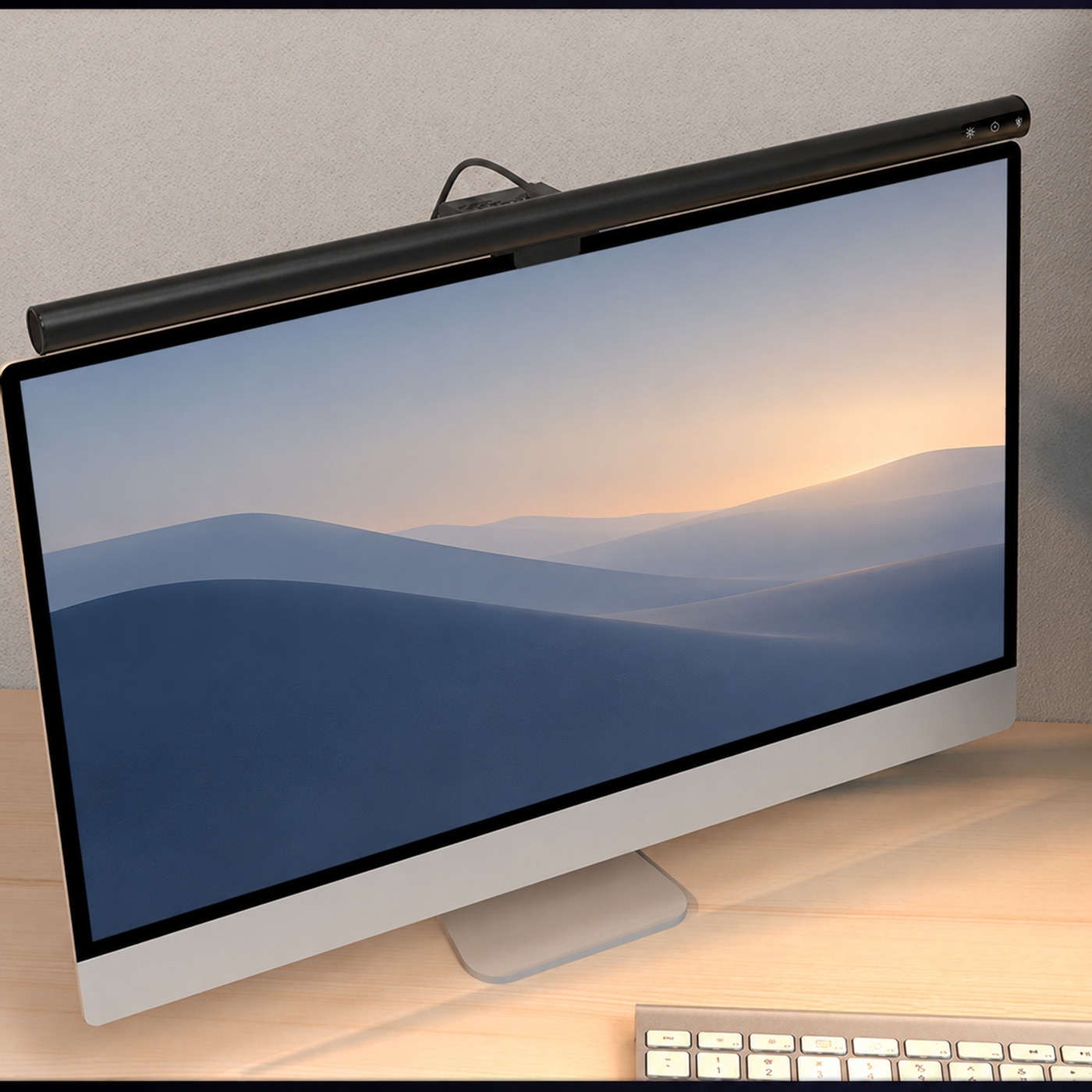
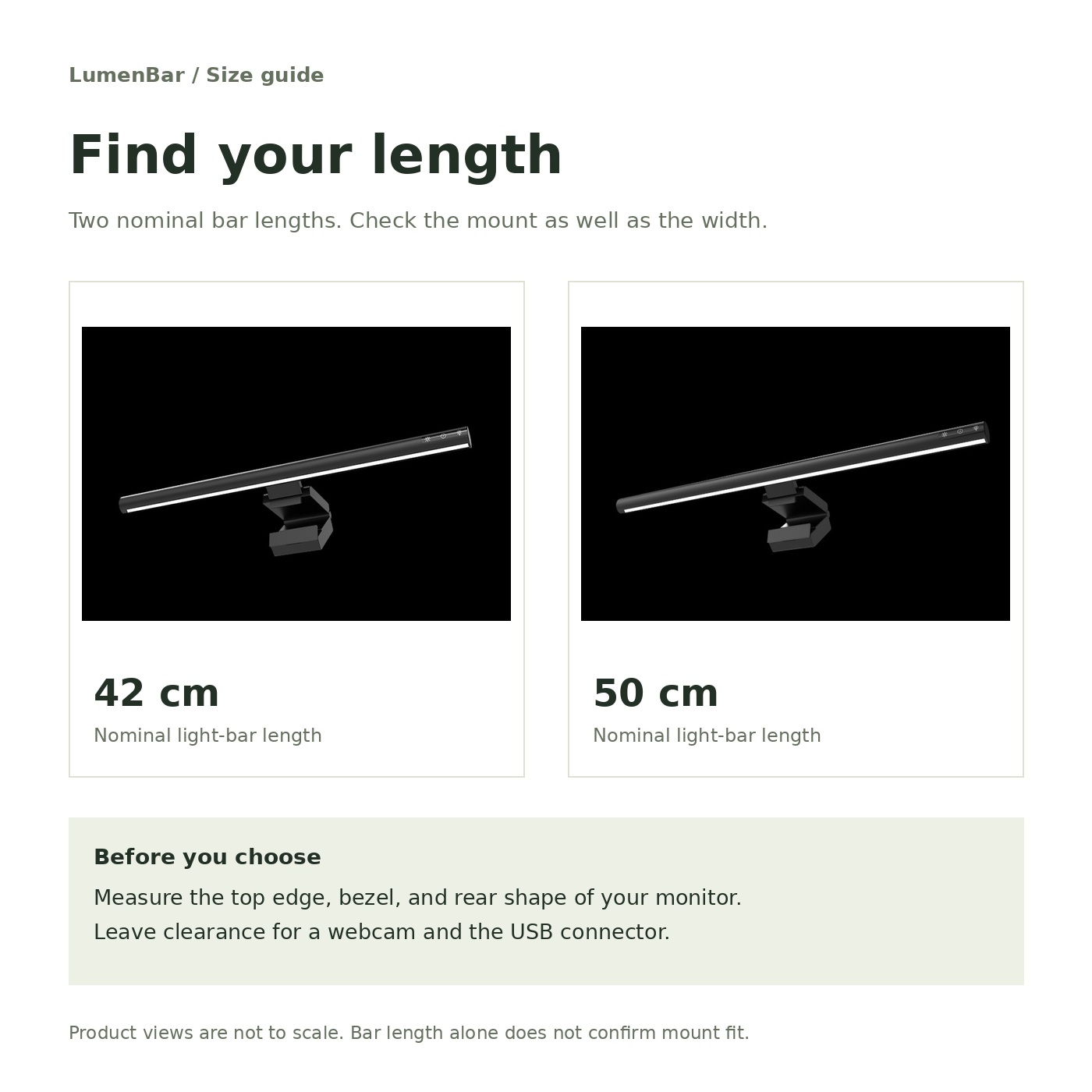
Two lengths, the same design family. Measure your monitor’s top edge and make room for your webcam.
Start with usable width
Measure across the top of the monitor, allowing space for a webcam and other equipment. Compare that space with the 42cm or 50cm bar. These are nominal bar lengths, not mounting dimensions.
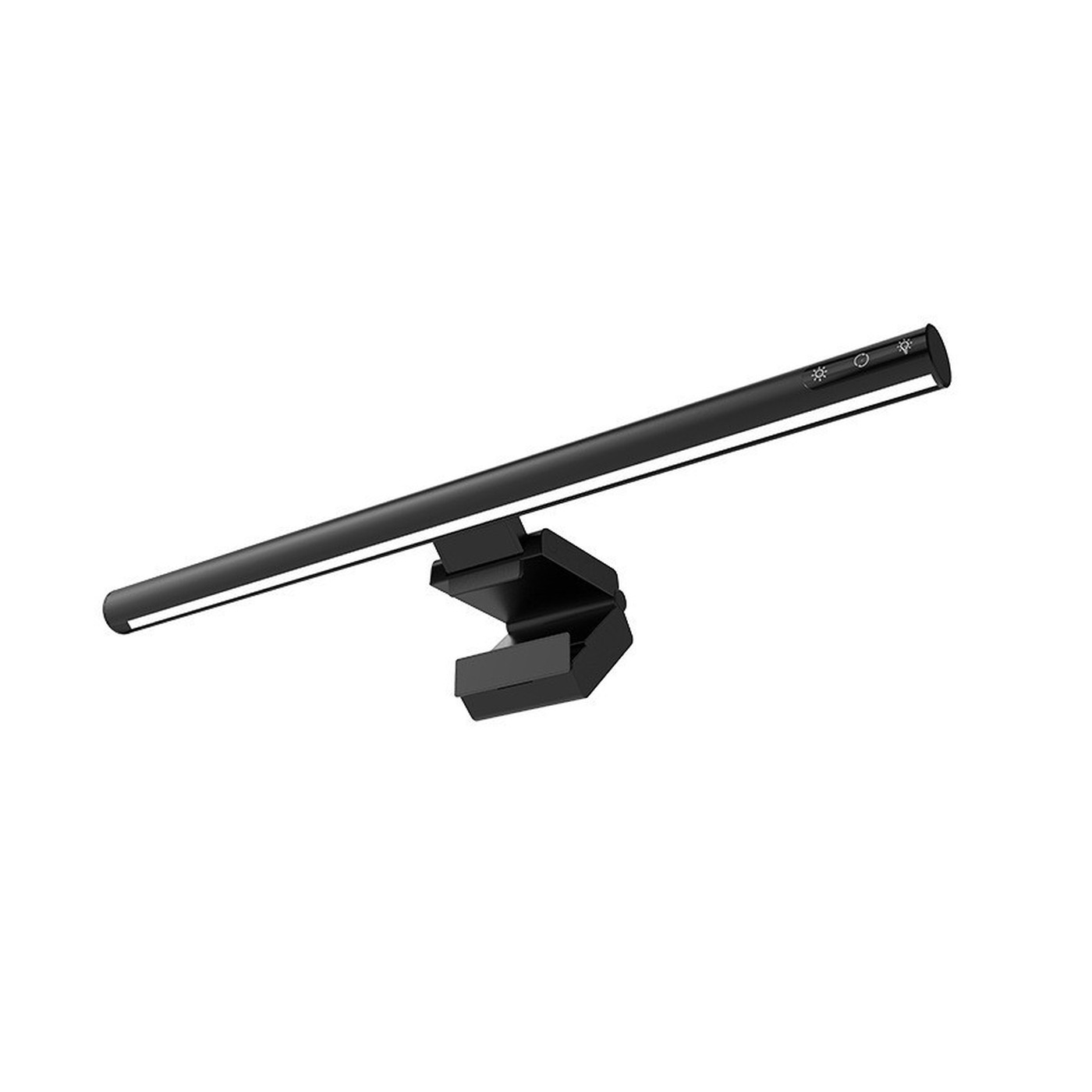
The 42cm light is $59 and the 50cm is $64. Both have an aluminum body and USB power. Choose by the space available; a longer bar does not tell you how bright your desk will be.
Length is only one fit check
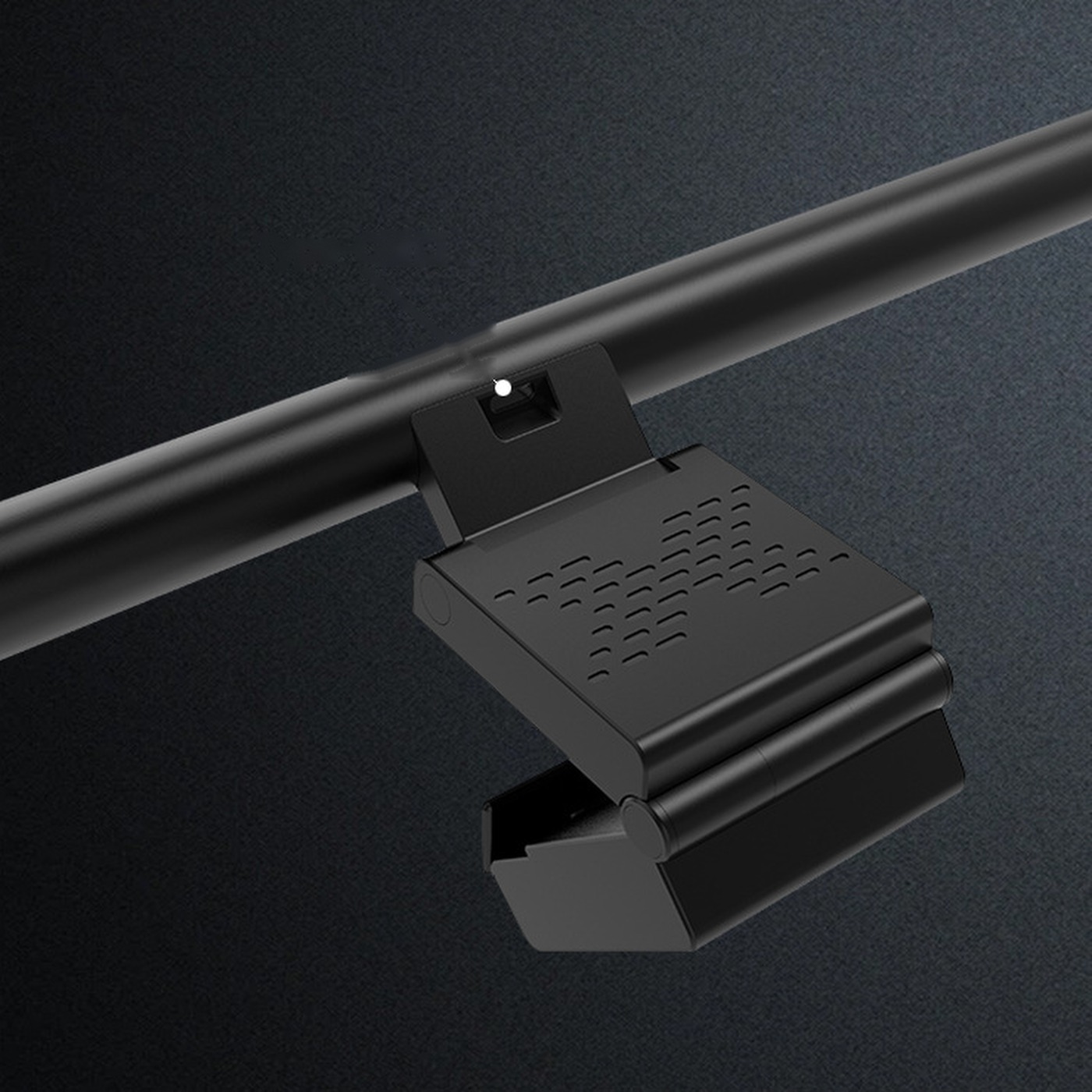
Check screen thickness, bezel depth, and the rear profile. The mount must sit securely without pressing on the display or covering vents. Curved screens need particular care.
A supported thickness range is not specified, so do not choose on screen diagonal alone. Compare the mounting instructions with your display before fitting.
Choose with a tape measure, not just the diagonal size on the monitor’s box.
Plan for everything above the display
Leave clearance for a webcam, microphone, and USB connector. Look from the front and back of the monitor. Do not stack equipment unless both products allow it.
Laptop compatibility is not specified. A thin panel and moving hinge need different support from a desktop monitor.
Keep reading