Desk setup
A better place for your desk light
Check fit, plan power, and direct the light where you work. Start with these simple setup habits.
Check the top edge first
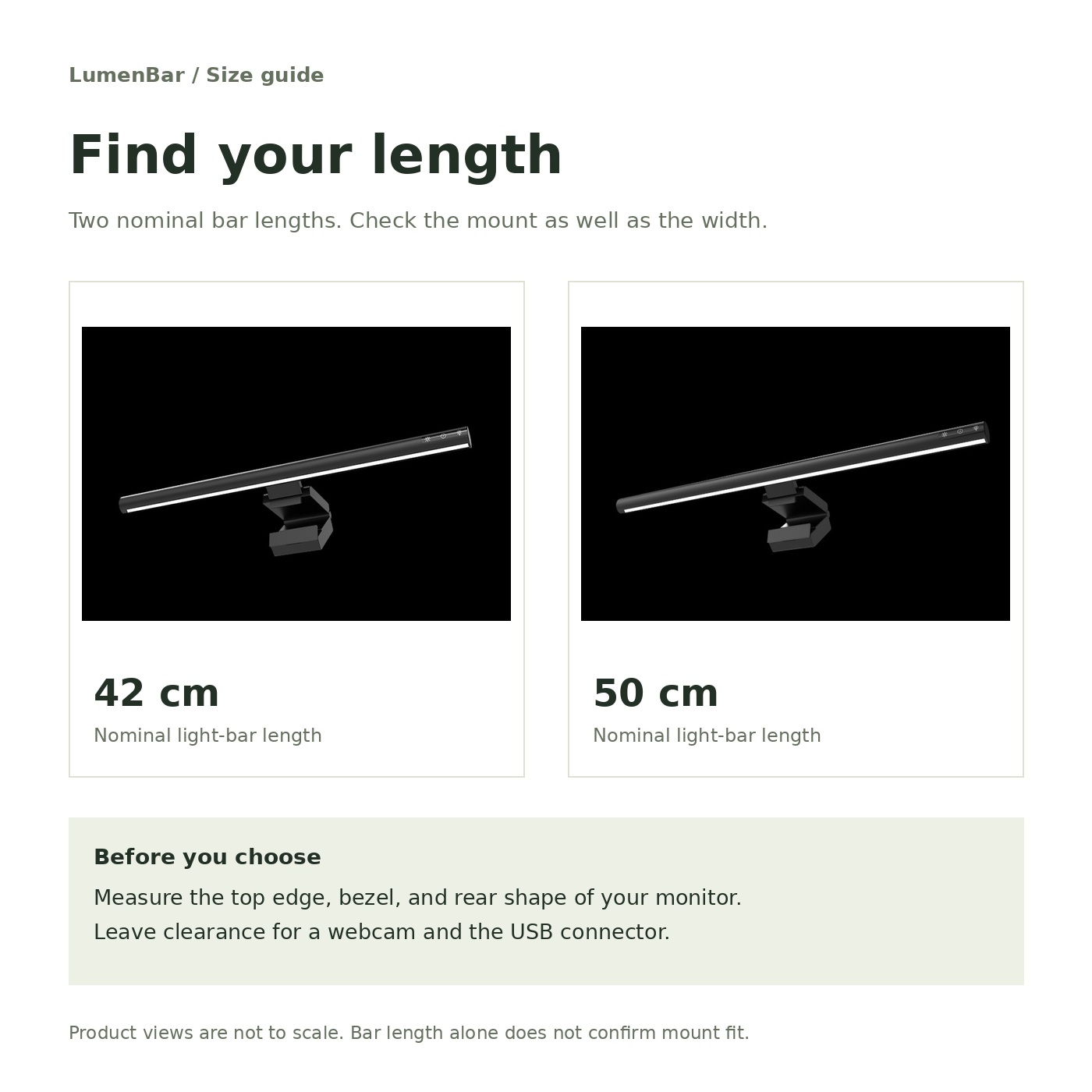
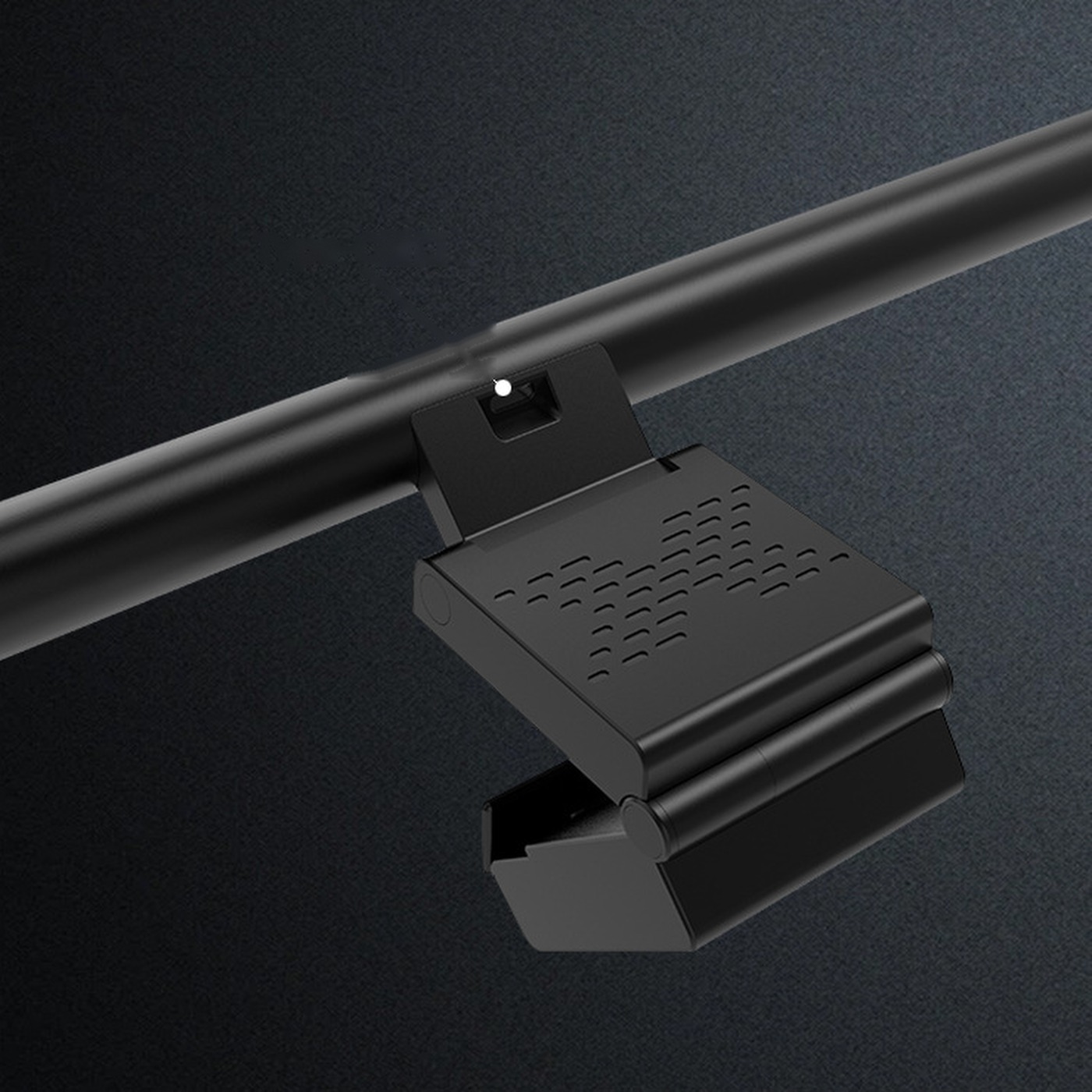
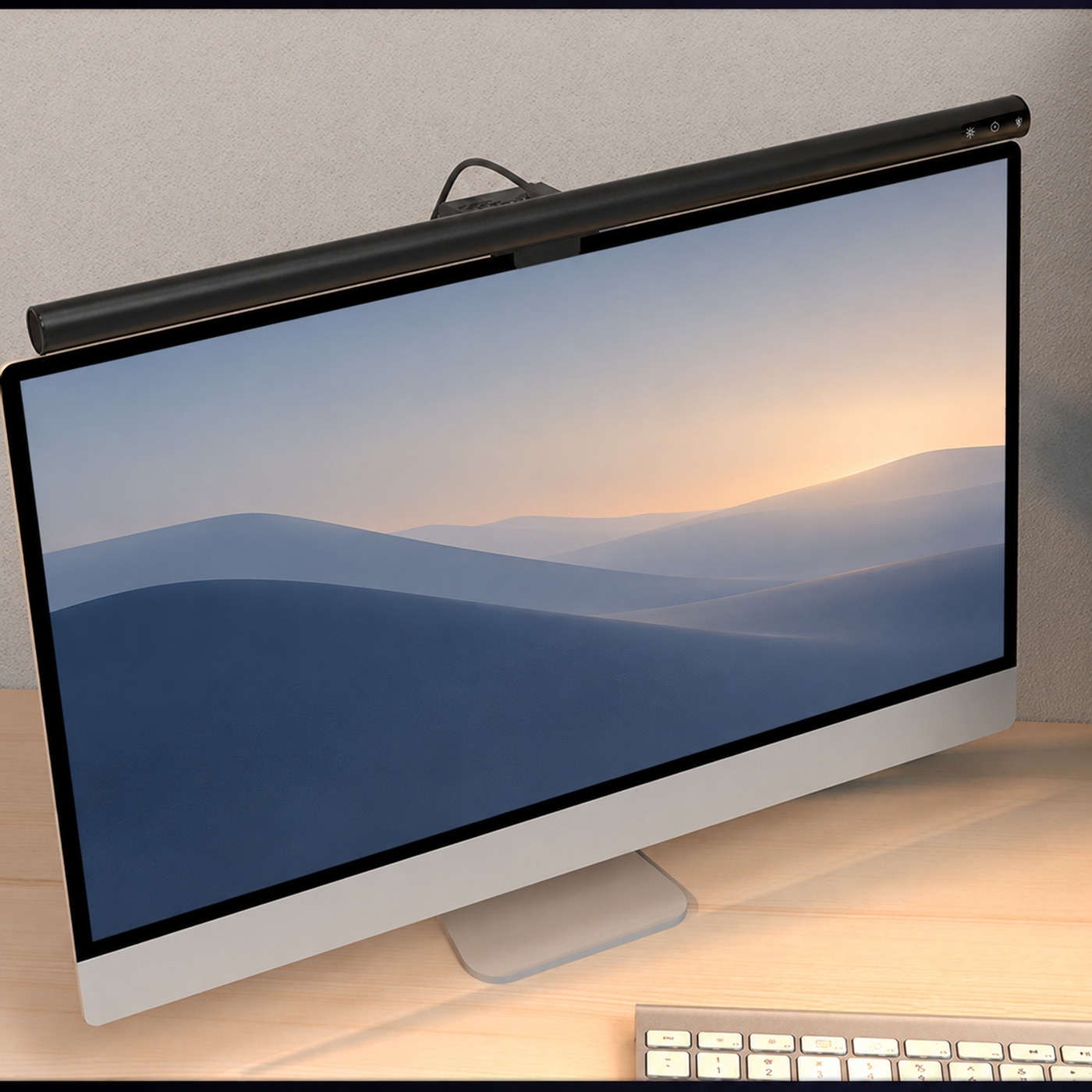
Measure the usable top edge of your monitor. Check the bezel, display thickness, rear shape, vents, and webcam position. The screen’s diagonal size cannot tell you whether a mount will fit.
Follow the mounting instructions for your light. The mount should rest securely without pressing on the active screen. Never force it into place.
Leave a relaxed cable route
Route the cable to a compatible USB power source, leaving slack for screen adjustments. Keep it clear of monitor-arm joints. A cable clip should guide the lead without pulling on the connector.
Read the USB power guide before choosing a source. A cable and wall adapter are not listed as included with the light.
Set the light for your desk, then check it from your usual seated position.
Aim at the working area
Direct the light toward your keyboard and notes. Sit in your usual position and look for reflections or light shining into your eyes. Adjust within the mount’s allowed range.
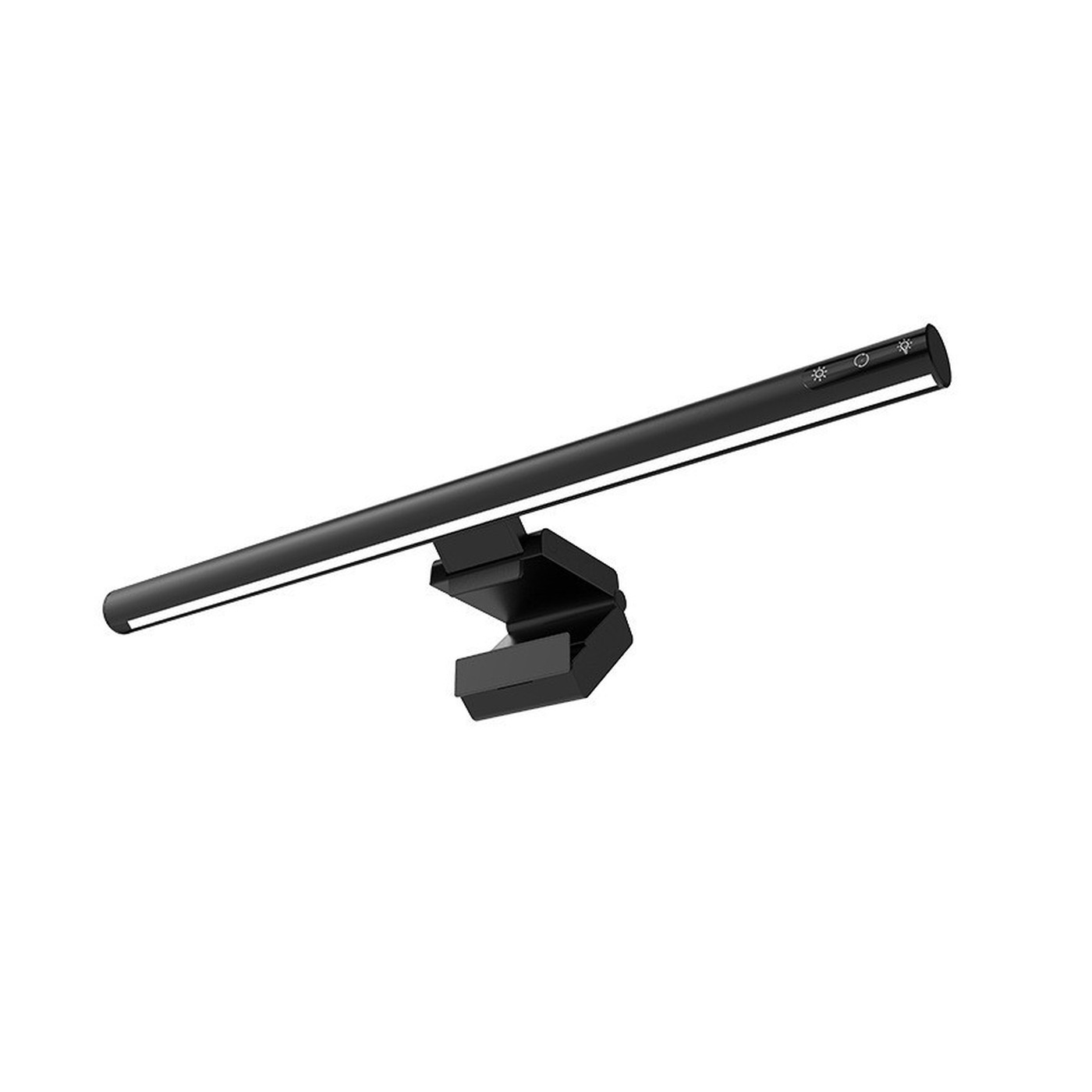
Start with a low brightness setting and adjust the touch controls as needed. Check both the screen and your work surface.
Balance the rest of the room
Keep some background light around your desk. Adjust the screen, nearby lamps, and blinds together as daylight changes.
Unplug the light before cleaning. Use a soft, dry cloth and keep drinks and sprays away from the connector.
Keep reading